


SDA 2-Hour Emergency UPS Backup

The SDA Design Standard requires emergency power that covers a minimum 2-hour outage for at least two double GPOs in each participant bedroom, plus any automated doors used for entry or egress.
For High Physical Support dwellings, an online double-conversion UPS is the system most commonly recommended to carry that load, because it powers critical assistive and emergency equipment continuously with zero transfer time when the mains fails.
The XRT6 Online UPS Series is built for exactly this, with 10-year design life batteries as standard and runtime that scales to meet the 2-hour requirement.
Planning emergency power for an SDA build?
- 2-hour runtime sizing
- XRT6 online UPS supply
- Installation & commissioning
- Monitoring & servicing
- Design requirement
- Emergency power solutions shall be provided to cater for a minimum 2-hour outage in no less than 2 double GPOs in participant bedrooms and any provided automated doors that are used for entry or egress.
- Rationale
- Backup for life support systems if needed by participants.
- Applicable to
- High Physical SupportSDA design category
Why Emergency Backup Power Is Critical in SDA Housing
Many SDA and High Physical Support participants rely on assistive and medical equipment that has to keep running through an outage. When the mains drops, these are the systems an emergency backup design is built around.
The XRT6 Online UPS Series keeps this equipment powered without interruption, purpose-suited to disability accommodation and High Physical Support environments.
What about air conditioning? Air conditioning is not typically included in the emergency backup design load.
The 2-hour runtime gives participant support services time to arrange alternative care or transport if the outage runs longer.
What Is a UPS?
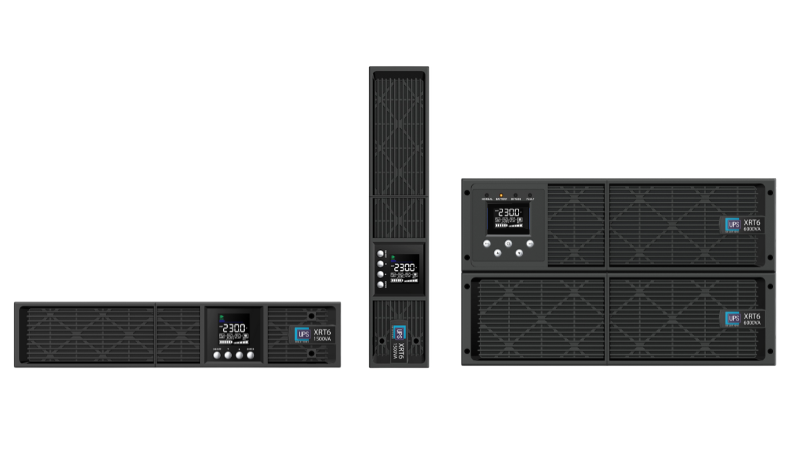
A UPS (Uninterruptible Power Supply) is an emergency backup power system that keeps critical equipment running through outages and unstable mains conditions. A UPS commonly provides three layers of protection:
Choosing the Right UPS Topology
Offline / Standby
Protects from 3 of 10 power issues
Used for smaller backup applications with basic surge protection and short battery backup.
Line-Interactive
Protects from 5 of 10 power issues
Common in small to medium business applications that need better voltage regulation.
Online / Double-Conversion
Protects from all 10 power issues
Built for critical applications: continuous power conditioning and zero transfer time during outages.
What Makes an SDA UPS System Different?
Unlike standard backup power, SDA and High Physical Support applications often require:
- Uninterrupted power delivery
- Zero transfer time during outages
- Extended battery runtime
- Surge and voltage protection
- Compatibility with assistive and medical equipment
That is why online double-conversion UPS systems are commonly recommended: they continuously condition incoming power and switch to battery seamlessly, with nothing for connected equipment to notice.
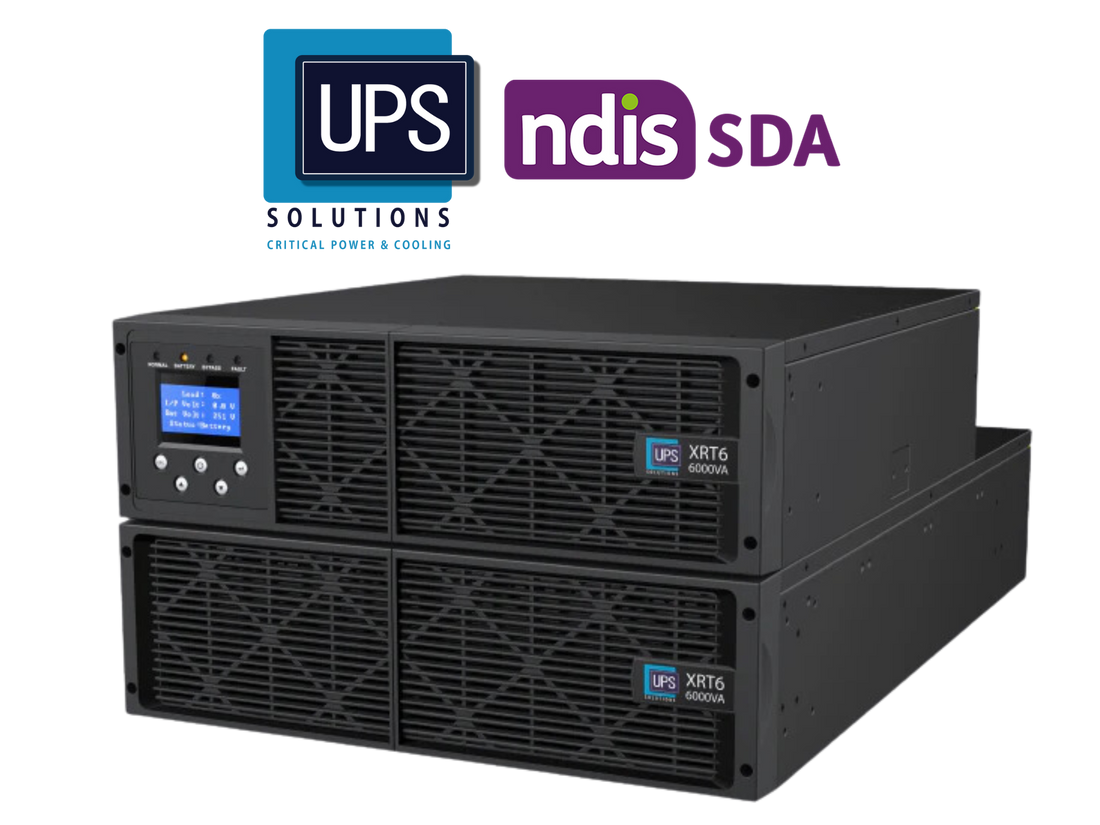
The UPS Solutions XRT6 Online UPS Series is suited to SDA applications that need reliable emergency backup and scalable runtime.
SDA Power Issues
For SDA and High Physical Support environments, an online double-conversion UPS is generally recommended to protect against the common mains power issues:
- Blackouts
- Brownouts
- Voltage fluctuations
- Electrical noise
- Surges and spikes
The table shows why. Of the ten recognised power problems, only an online (VFI) UPS protects against all of them. The XRT6 Online UPS Series continuously conditions incoming power while providing uninterrupted backup during outages.
Swipe to see all columns →
| IEC 62040-3 classification | |||||
|---|---|---|---|---|---|
| # | Voltage phenomenon | Example | OfflineVFD | Line-interactiveVI | OnlineVFI |
| 1 | Outage / blackout | ||||
| 2 | Sags / brownouts | ||||
| 3 | Dynamic undervoltage | ||||
| 4 | Undervoltage | ||||
| 5 | Overvoltage | ||||
| 6 | Lightning | ||||
| 7 | Transients (surge) | ||||
| 8 | Frequency variations | ||||
| 9 | Voltage distortion (burst) | ||||
| 10 | Voltage harmonics | ||||
| Class 3 | Class 2 | Class 1 | |||
VFD: output voltage and frequency dependent on the mains. VI: voltage independent. VFI: voltage and frequency independent.
Picking the Right Size SDA UPS System
Selecting an SDA UPS is more than choosing a battery backup unit. Runtime, equipment load, surge currents, future scalability and the emergency backup requirement all have to be considered together. It comes down to two things: the UPS rating and the runtime. Getting both right keeps backup performance reliable as a participant's support needs change over time.
UPS Rating (kVA/kW)
Capacity sets the maximum electrical load the UPS can safely support in normal operation and during an outage. Sizing considerations include:
- Total assistive equipment load
- Medical equipment requirements
- Automated doors
- Lighting circuits
- In-rush currents from connected equipment
- Misuse of general purpose outlets (items plugged in that may trip the UPS circuit)
As a general guideline, approximately 1.5 kW per participant may be allocated, depending on the application and installed equipment. The actual load for each participant should be confirmed after they move in, with all equipment properly tested.
UPS Runtime Requirements
Runtime is how long the UPS can hold emergency backup power during an outage. For SDA applications it commonly considers:
- Required backup duration (2 hours under the SDA standard)
- Connected equipment load (higher load means more batteries)
- Runtime scoped on batteries at end of life, not start of life
- Future scalability requirements
- Constant versus variable equipment loads
Many SDA applications target approximately 2 hours of backup runtime, depending on the project requirements.
Why does runtime scalability matter?
Battery runtime requirements vary significantly between SDA projects, depending on each participant's support needs and installed equipment.
The XRT6 Online UPS Series supports scalable runtime, with extended battery options that add capacity without replacing the UPS.
Recommended SDA UPS Installation Architecture
An SDA emergency backup system should keep critical assistive and emergency circuits clearly separated from standard mains circuits, so the UPS only carries the load it was sized for and every backed-up outlet is easy to identify.
Swipe to see the full diagram →
Input feed
- Dedicated UPS input power supply
- Clearly labelled UPS isolation and protection
- Circuit protection sized to project requirements
Output feed
- Dedicated UPS-backed sub-board
- Critical SDA circuits and GPOs only
- Clearly identified emergency backup outlets and circuits
Bypass feed
- Maintenance bypass recommended for UPS servicing or failure conditions
- External bypass panels can be requested during UPS system design
Installing & Commissioning SDA UPS Systems
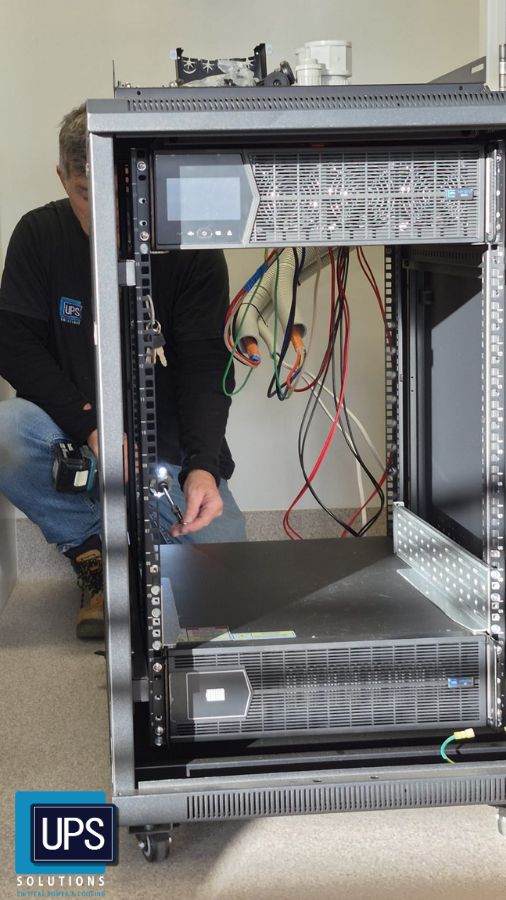
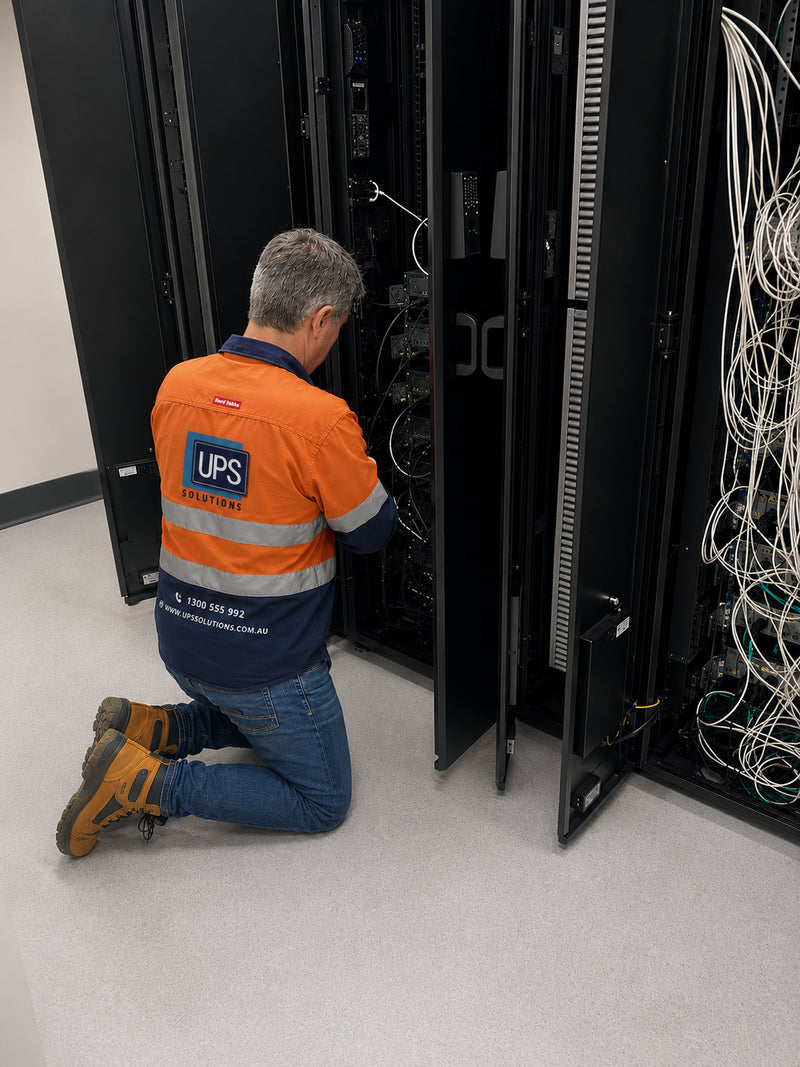
Proper installation and commissioning are what make emergency backup reliable in SDA and High Physical Support environments. UPS Solutions recommends using experienced UPS installation professionals to ensure:
- Correct system configuration
- No hardware damage or warranty issues
- Verified runtime performance
- Validated emergency backup operation
Project electrician
Prepares the required UPS input and output circuits.
UPS commissioning technician
Completes final terminations, testing and system commissioning.
Environmental Considerations
Environmental conditions have a significant effect on UPS reliability, battery lifespan and long-term backup performance. When designing an SDA UPS installation, considerations include:
- Ambient temperature
- Ventilation and airflow
- Dust exposure
- Humidity
- Installation access
- Battery cabinet placement
Getting the environment right maximises UPS reliability and battery service life in critical SDA applications.
Heat & ventilation
A UPS produces heat that may need to be cooled and extracted. Fans typically pull air in at the front to cool the components and exhaust hot air out the back, so keep clear space at the front and rear for correct fan operation.
Hydrogen build up
When batteries are in operation, hydrogen build up needs to be taken into consideration and adequately extracted.
Noise
UPS fan noise can disturb tenants, so choosing a UPS with appropriate sound levels is important.
Safety & access
Keep the UPS out of common areas and away from common storage, liquids and obstructions. Ideally it sits in its own cupboard or housing near the tenancy DB.
Picking the Right Size SDA UPS System
Selecting an SDA UPS is more than choosing a battery backup unit. Runtime, equipment load, surge currents, future scalability and the emergency backup requirement all have to be considered together. It comes down to two things: the UPS rating and the runtime. Getting both right keeps backup performance reliable as a participant's support needs change over time.
UPS Rating (kVA/kW)
Capacity sets the maximum electrical load the UPS can safely support in normal operation and during an outage. Sizing considerations include:
- Total assistive equipment load
- Medical equipment requirements
- Automated doors
- Lighting circuits
- In-rush currents from connected equipment
- Misuse of general purpose outlets (items plugged in that may trip the UPS circuit)
As a general guideline, approximately 1.5 kW per participant may be allocated, depending on the application and installed equipment. The actual load for each participant should be confirmed after they move in, with all equipment properly tested.
UPS Runtime Requirements
Runtime is how long the UPS can hold emergency backup power during an outage. For SDA applications it commonly considers:
- Required backup duration (2 hours under the SDA standard)
- Connected equipment load (higher load means more batteries)
- Runtime scoped on batteries at end of life, not start of life
- Future scalability requirements
- Constant versus variable equipment loads
Many SDA applications target approximately 2 hours of backup runtime, depending on the project requirements.
Why does runtime scalability matter?
Battery runtime requirements vary significantly between SDA projects, depending on each participant's support needs and installed equipment.
The XRT6 Online UPS Series supports scalable runtime, with extended battery options that add capacity without replacing the UPS.
UPS Lifecycle Planning
Typical internal UPS component design life is approximately 10 years, depending on environmental conditions and maintenance practices.
Proactive lifecycle planning minimises the reliability risks that come with ageing equipment and battery degradation, and SDA emergency backup systems should be reviewed regularly to confirm runtime capability is still there.
The XRT6 Online UPS Series supports long-term SDA reliability with scalable runtime and 10-year design life batteries.
Proactive replacement planning from this point helps maintain long-term operational reliability.
UPS Monitoring & Remote Alerts
Modern SDA emergency backup systems should support network-based monitoring, real-time UPS visibility and automated fault alerting, so problems are known about before they matter.
The XRT6 Online UPS Series supports remote monitoring with automated email and SMS alerts, helping SDA providers and facility managers keep an eye on emergency backup performance across every dwelling.
Illustrative dashboard
Monitoring capabilities
- Real-time UPS status visibility
- Remote network monitoring
- Battery and runtime monitoring
- Preventative maintenance insights
- Event and fault logging
Automated alerting
- Email fault notifications
- SMS alert integration
- Critical alarm escalation
- Early warning notifications
- Faster maintenance response
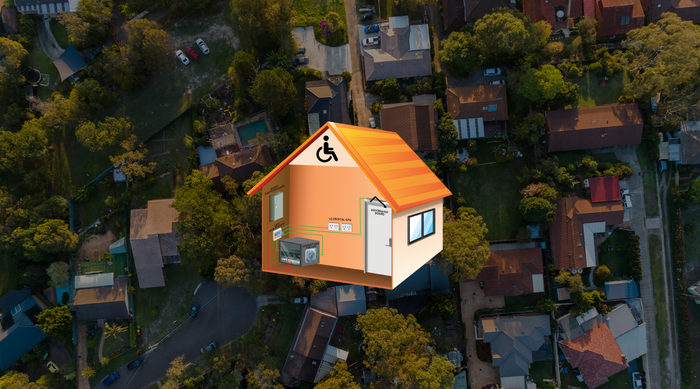
Inside an SDA Home When the Power Goes Out
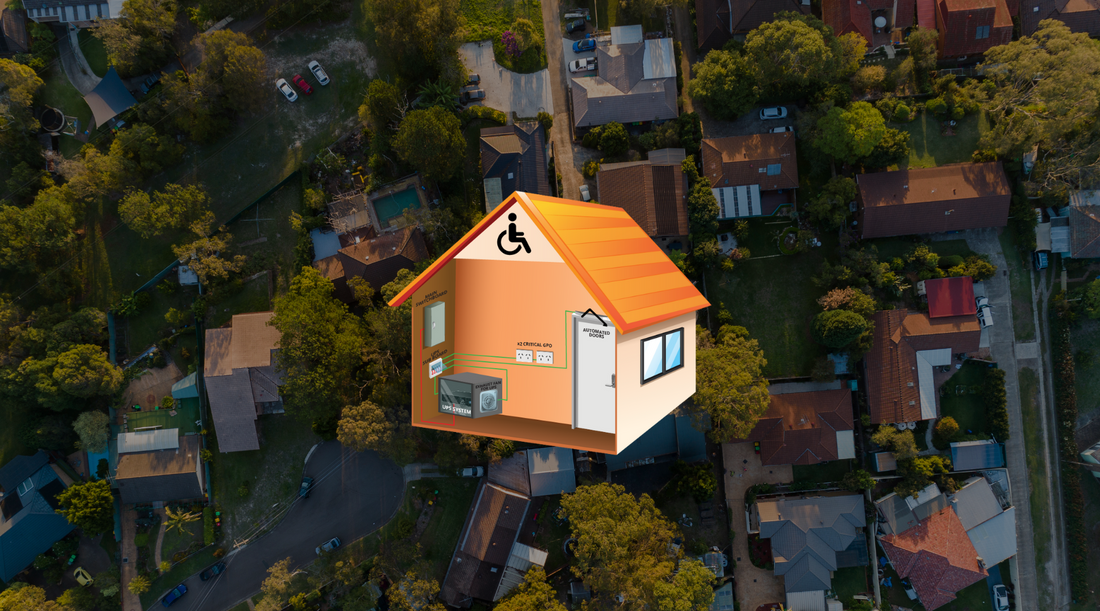
When the grid fails, the UPS takes over instantly and keeps the circuits participants depend on running for at least two hours.
Swipe to see the whole home →
- 1Grid outage
The mains drops out, at any time of day or night.
- 2XRT6 UPS & battery
Takes the load with zero transfer time, with runtime sized for at least 2 hours and remote alerts.
- 3UPS sub-board
Critical SDA circuits only, with a maintenance bypass and ventilated cupboard.
- 4Bedroom GPOs
At least 2 double GPOs in every participant bedroom stay live.
- 5Assistive equipment
Ventilators, CPAP, hoists and alarms keep running.
- 6Automated doors
Doors used for entry or egress keep working.
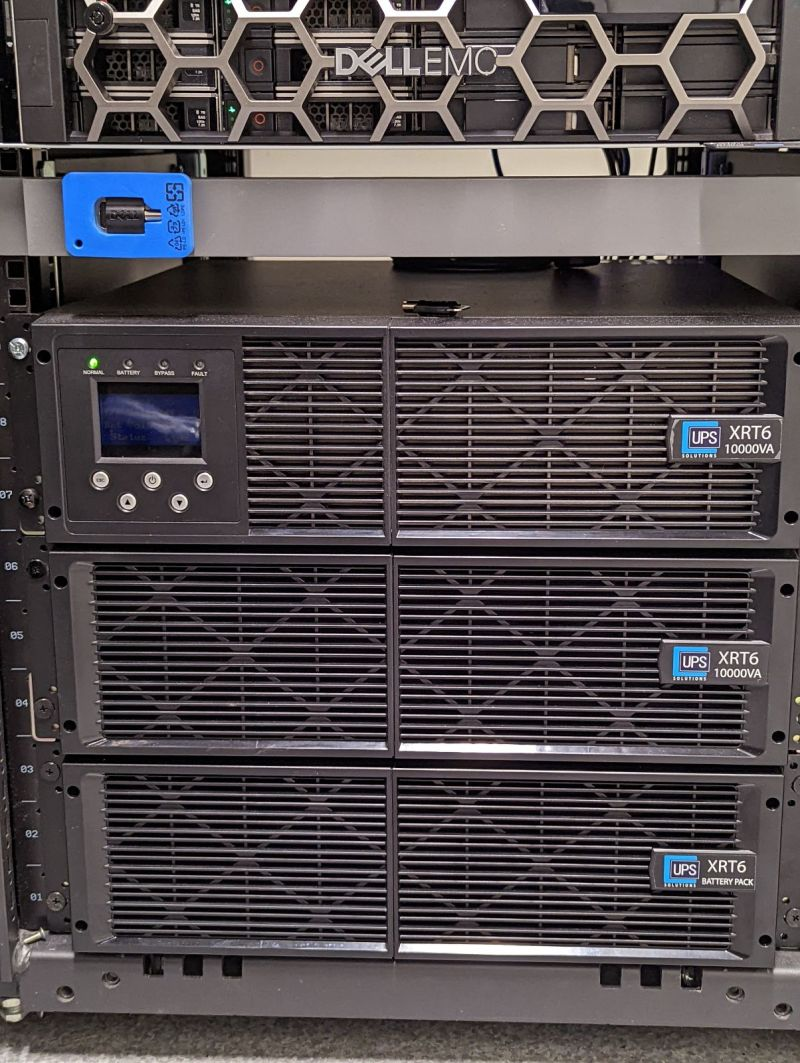
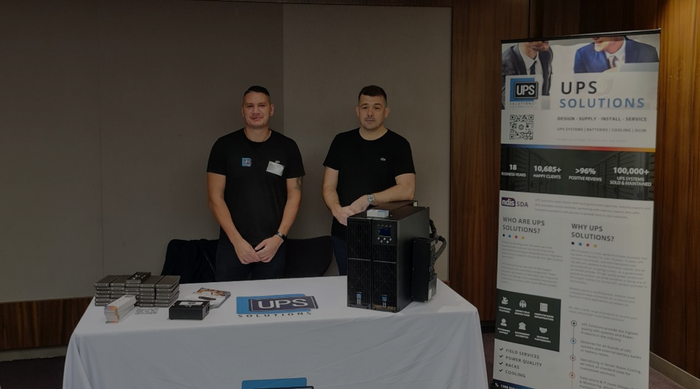
SDA Emergency Backup, Installed and Supported
From the XRT6 in the plant cupboard to the technicians who commission and service it.
Why UPS Solutions Recommends the XRT6 Series

Across SDA and High Physical Support projects, the UPS Solutions XRT6 Online UPS Series has proven highly suited to emergency backup applications that require:
- Online double-conversion topology
- Scalable runtime capability
- Long-life battery systems
- Remote monitoring functionality
- Reliable uninterrupted backup
Proven SDA performance
The XRT6 Series has been deployed across multiple SDA and High Physical Support emergency backup applications.
Long-life battery systems
10-year design life batteries and scalable runtime support long-term SDA reliability.
SDA configuration
The most commonly recommended SDA configuration is the XRT6 6kVA Online UPS with extended battery runtime.
XRT6 Online UPS Systems
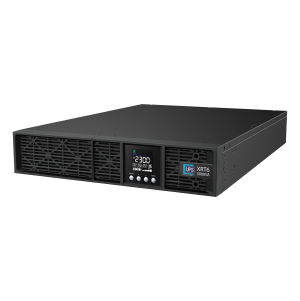
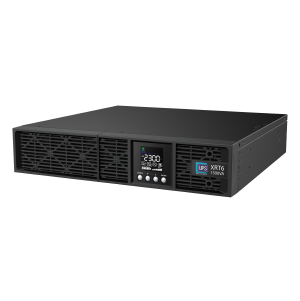 XRT6 1.5kVA Online UPS
XRT6-1500L
10-year design life batteries
View details →
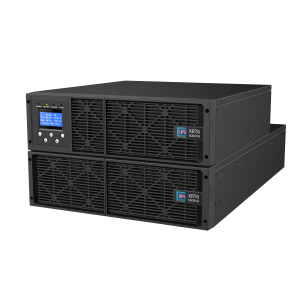
 XRT6 3kVA Online UPS
XRT6-3000L
10-year design life batteries
View details →
Top pick for SDA
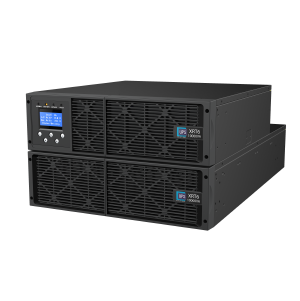
 XRT6 6kVA Online UPS
XRT6-6000L
10-year design life batteries
View details →
 XRT6 10kVA Online UPS
XRT6-10000L
10-year design life batteries
View details →
SDA Emergency Backup Design Guide (PDF)
 Talk to the specialists
SDA Emergency Backup Power Specialists
Supporting SDA providers, local governments and industry experts across Australia. UPS Solutions is a government accredited specialist provider of UPS systems and UPS field services.
SDA & High Physical Support
Designed for disability accommodation and critical emergency backup environments.
Australia-wide supply & field service
Supporting SDA emergency backup projects across metropolitan and regional Australia.
XRT6 online UPS specialists
Online double-conversion UPS systems with scalable runtime and long-life batteries.
Enquire about SDA and NDIS UPS systems
Share the dwelling layout and participants' equipment to scope a UPS and runtime for the 2-hour requirement.
SDA & NDIS UPS FAQs
The questions we are asked most often when scoping emergency backup power for SDA and High Physical Support homes.
What UPS systems are suitable for SDA applications?
Online double-conversion UPS systems with scalable runtime are commonly recommended for SDA and High Physical Support applications. The XRT6 Online UPS Series is suited to SDA emergency backup environments that need uninterrupted power.
How long does SDA emergency backup power need to last?
The SDA Design Standard calls for emergency power covering a minimum 2-hour outage for at least two double GPOs in each participant bedroom and any automated doors used for entry or egress. Always confirm against the current edition of the standard for your project.
What is the most commonly recommended SDA UPS configuration?
The most commonly recommended SDA configuration is the XRT6 6kVA Online UPS with scalable extended runtime, depending on project requirements, participant needs and connected equipment loads.
How big should an SDA UPS be?
As a general guideline, approximately 1.5 kW per participant may be allocated, depending on the application and installed equipment. The actual load should be confirmed after each participant moves in and all equipment has been tested, and runtime should be scoped on batteries at end of life.
Why is an online double-conversion UPS important for SDA environments?
An online double-conversion UPS provides continuously conditioned power with zero transfer time during outages, protecting sensitive assistive and medical equipment from interruptions and power disturbances. It is the only topology that protects against all ten recognised power problems.
What equipment may require UPS backup power in SDA housing?
Equipment may include ventilators, communication systems, automated doors, ceiling hoists, CPAP devices, emergency alarms, medication refrigeration and other assistive technologies.
Why are 10-year design life batteries important?
Long-life batteries reduce maintenance, replacement frequency and disruption in SDA homes while supporting long-term reliability. Standard UPS systems typically use 5-year design life batteries.
How often should an SDA UPS be serviced?
UPS systems should generally be serviced every 6 to 12 months, depending on environmental conditions, usage and local power quality, with more frequent servicing in dusty or high-temperature locations. Proactive replacement planning should be considered around the 6 to 7 year mark.
Can UPS systems be remotely monitored?
Yes. Modern SDA UPS systems commonly support remote monitoring, real-time status visibility, automated email and SMS alerts and preventative maintenance monitoring through network-based management.
SDA & NDIS Power Guides
More on SDA compliance, choosing a UPS and keeping participants safe through an outage.
 Why NDIS SDA Properties Require UPS Systems for Compliance and Safety
Why SDA homes need UPS backup for essential equipment, safety systems and compliance.
Read article →
 What UPS Is Certified for NDIS SDA Use in Australia?
What SDA certification involves and what to look for in a UPS for an SDA home.
Read article →
 How to Choose the Right UPS System for Your SDA Needs
Matching a UPS system to the power requirements of Specialist Disability Accommodation.
Read article →
 The Importance of Safe Power for SDA Facilities
Why reliable backup power matters for safety and continuity in SDA homes.
Read article →